SANDHI app

Follow the lab's research, projects, papers, and news on your phone. Members sign in with their SANDHI account to see their projects, announcements, and documents, the same as on the website.

Install

Android

Version 1.0.0

Download
Signed APK, from github.com
Size
57 MB
Requires
Android 7.0 or later
SHA-256
207f73f8f6f1603abd3b2c96424f9d66493a58b13c00063e3275cb547a633774
  1. Download the file, then open it. Android will ask once for permission to install apps from your browser.
  2. Before installing, you can check the file with sha256sum (or shasum -a 256) and compare it with the checksum above.
  3. Open the app. Members can sign in with their SANDHI email address and password.
iPhone and iPad

After funding

The iOS app is built and tested on iPhone. It will be released on the App Store after funding. Until then, this website works in any iPhone browser.

Inside the app

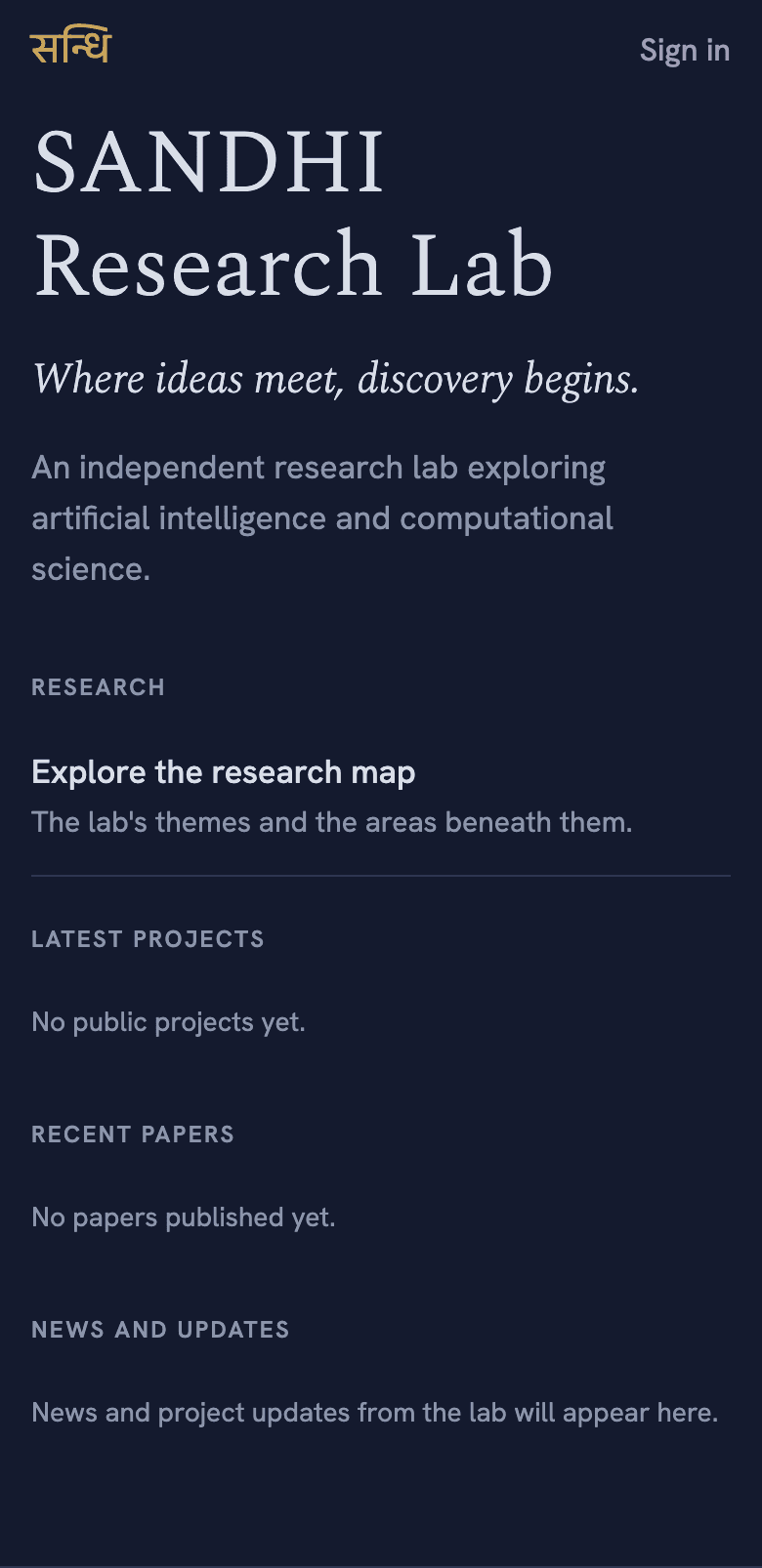
  • The app's home screen: SANDHI Research Lab, its tagline, and sections for research, projects, papers, and news.
    Home: the lab at a glance, with news and project updates.
  • The research screen listing the lab's themes, such as Perception and Language, with their areas.
    The research map: each theme and the areas beneath it.
  • A researcher's profile in the app, with photo, role, research interests, and biography.
    People: every public profile, with interests and links.
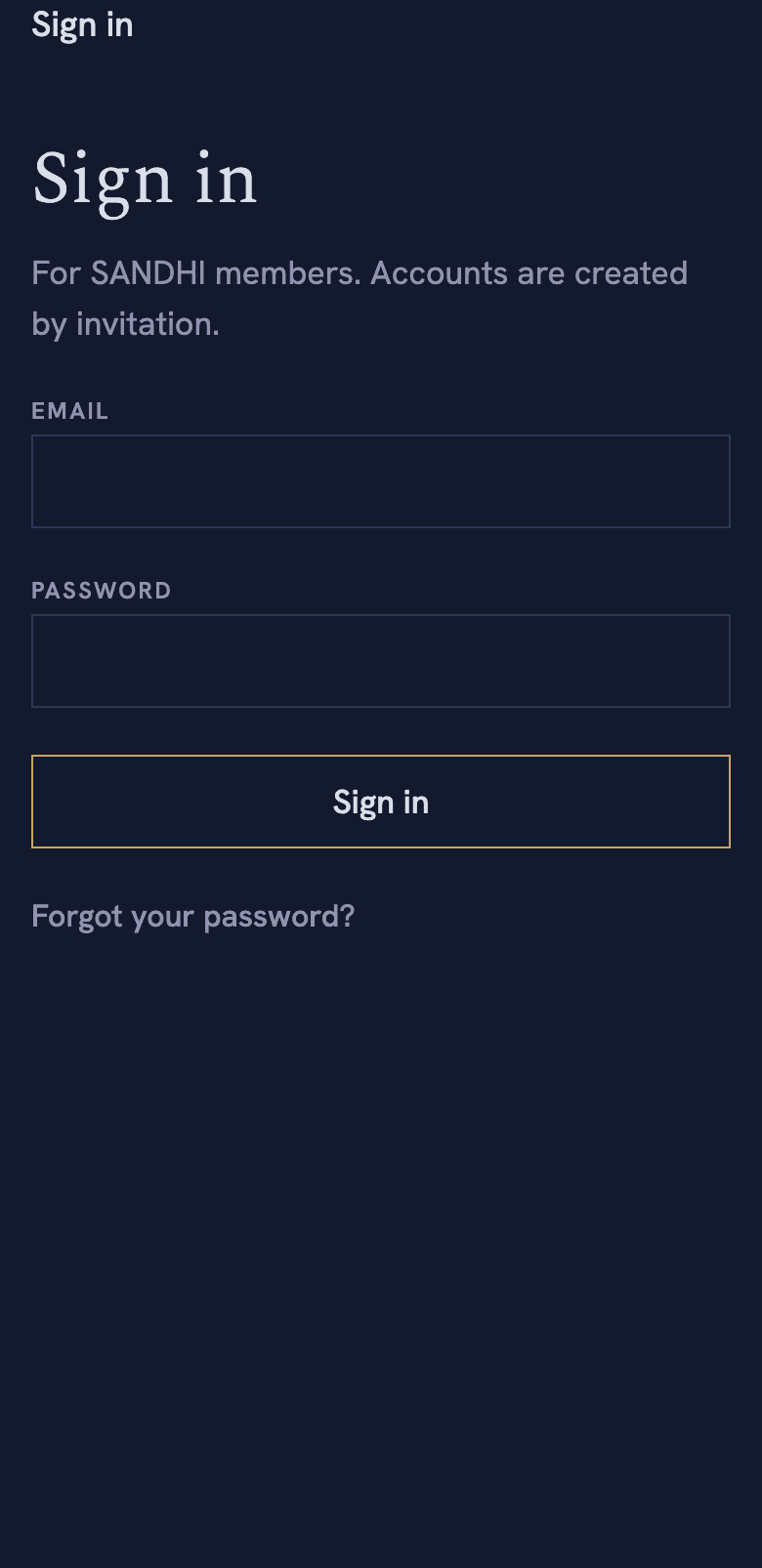
  • The sign-in screen, asking for an email address and password.
    Members sign in with their SANDHI account.

Accounts and access

The app uses your existing SANDHI account. Accounts are created by invitation only, so install the app first and sign in with the address your invitation was sent to.

If two-factor authentication is set up on your account, the app asks for a code after your password, exactly as the website does. Staff accounts require it.

Signing out in the app ends only that device’s session. You can see and end every session under Account security.